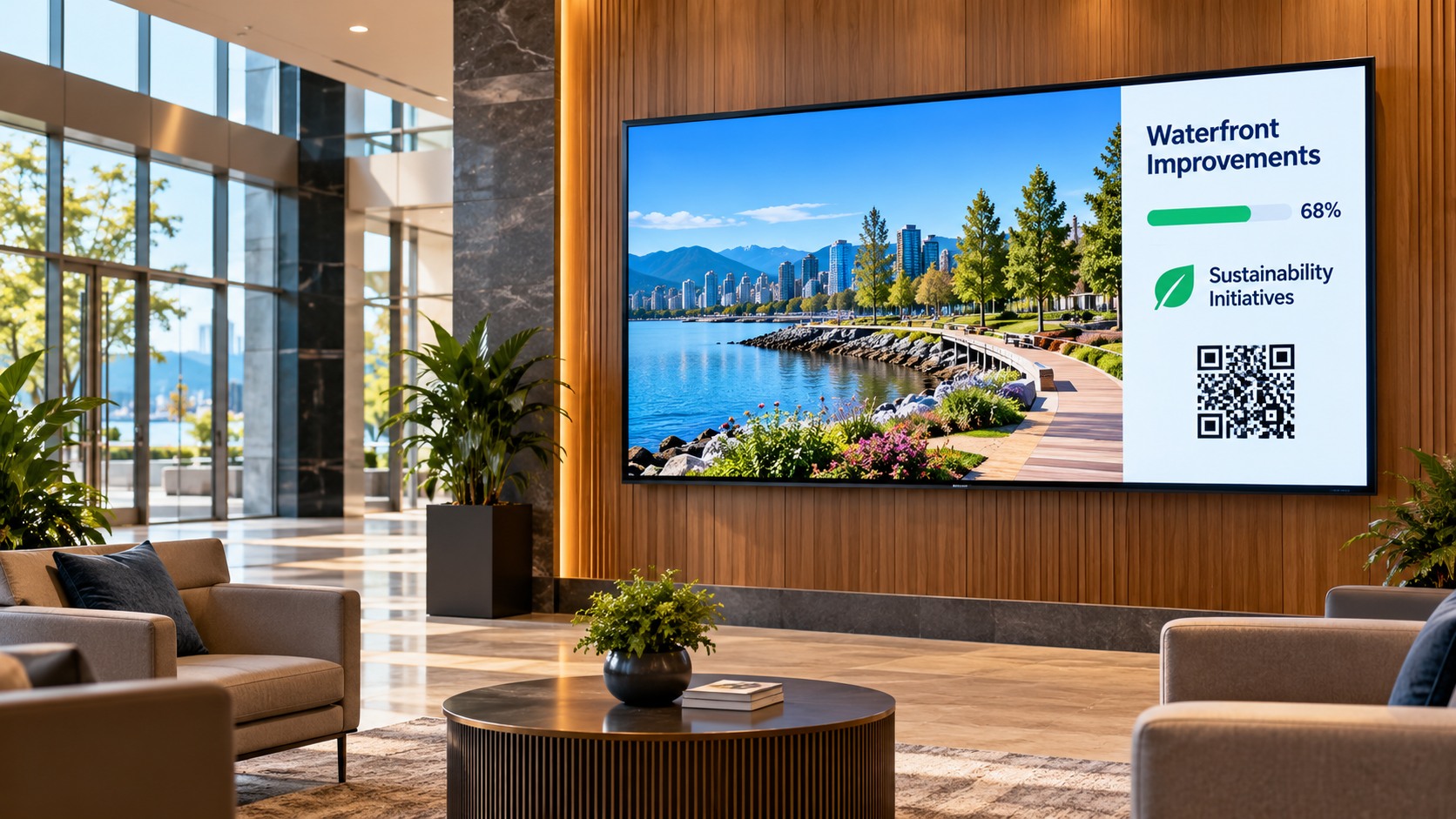
Building lobbies
Give visitors, occupants, and stakeholders a visible place to find relevant property information and improvement updates.
Property Broadcast
Home / Broadcast
Bring relevant project, property, and portfolio information to building lobbies, office screens, public kiosks, and websites. Present connected information without building a separate slide deck for every audience.
Illustrative display photography; live views depend on the records and information available to share.
FolioProjects Broadcast is designed to present information from the project, property, or portfolio it belongs to. The source remains the connected record—not a separately maintained marketing presentation.
Show appropriate project updates, property details, maps, and portfolio summaries.
Communicate calculated sentiment results with relevant colors and percentages where available, rather than displaying voting controls as results.
Highlight relevant sustainability work and progress when the underlying information is available and approved for display.
Use a format suited to the location and the information being shared.
Give visitors, occupants, and stakeholders a visible place to find relevant property information and improvement updates.
Property Broadcast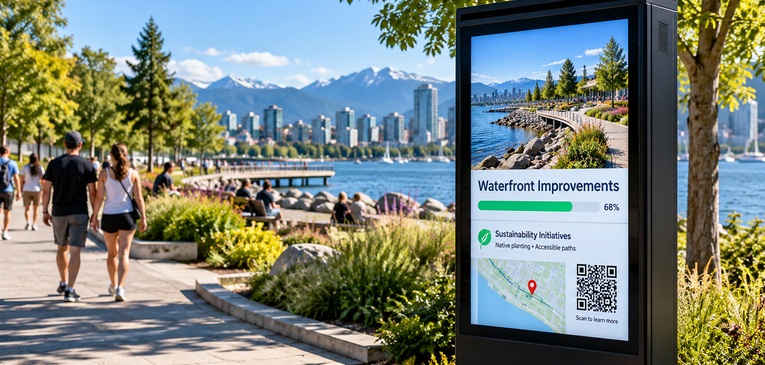
Share project context, maps, and participation opportunities at the place where the work is happening.
Project Broadcast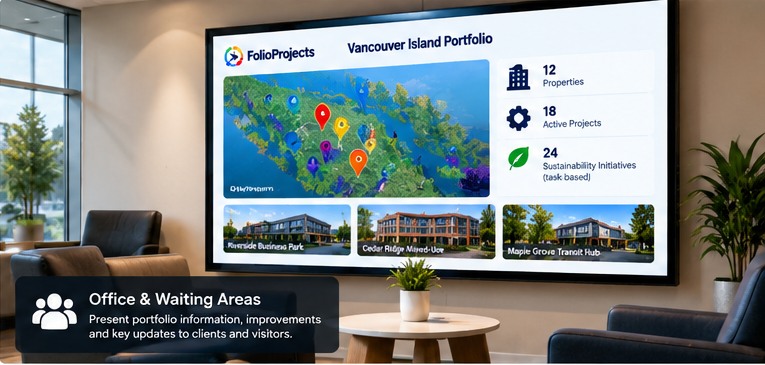
Present an overview of projects or assets to colleagues, partners, and invited visitors.
Portfolio BroadcastBroadcast can bring together approved information, progress indicators, and participation signals in a format designed for shared viewing.
A QR code can direct viewers to the relevant public FolioProjects record or participation opportunity. The displayed summary should never reveal information beyond its permitted audience.
Access permissions and public/private sharing must be enforced by the application, not only by hiding controls on the display.
Maintain the project, property, or portfolio information in FolioProjects.
Use the record's available Broadcast presentation and confirm the information is appropriate for the intended audience.
Show the view on a suitable screen or embed it on a website where supported.
Availability and supported entity types depend on the deployed Broadcast implementation.
No. Its purpose is to present information associated with FolioProjects records, rather than require a separate set of presentation content.
The existing FolioProjects HueFlux documentation describes Broadcast views for projects and portfolios that can be shared through website iframes and digital screens. Confirm the relevant record's available controls before publishing.
Broadcast is primarily a presentation surface. Where HueFlux is included, the result should show the calculated sentiment and applicable distribution rather than misrepresenting a list of voting options as the outcome.
Only information authorized for the intended audience should be published. A publicly accessible screen or embed must not bypass existing access controls.
From a property lobby to a public project site, show relevant information without losing its connection to the underlying work.